

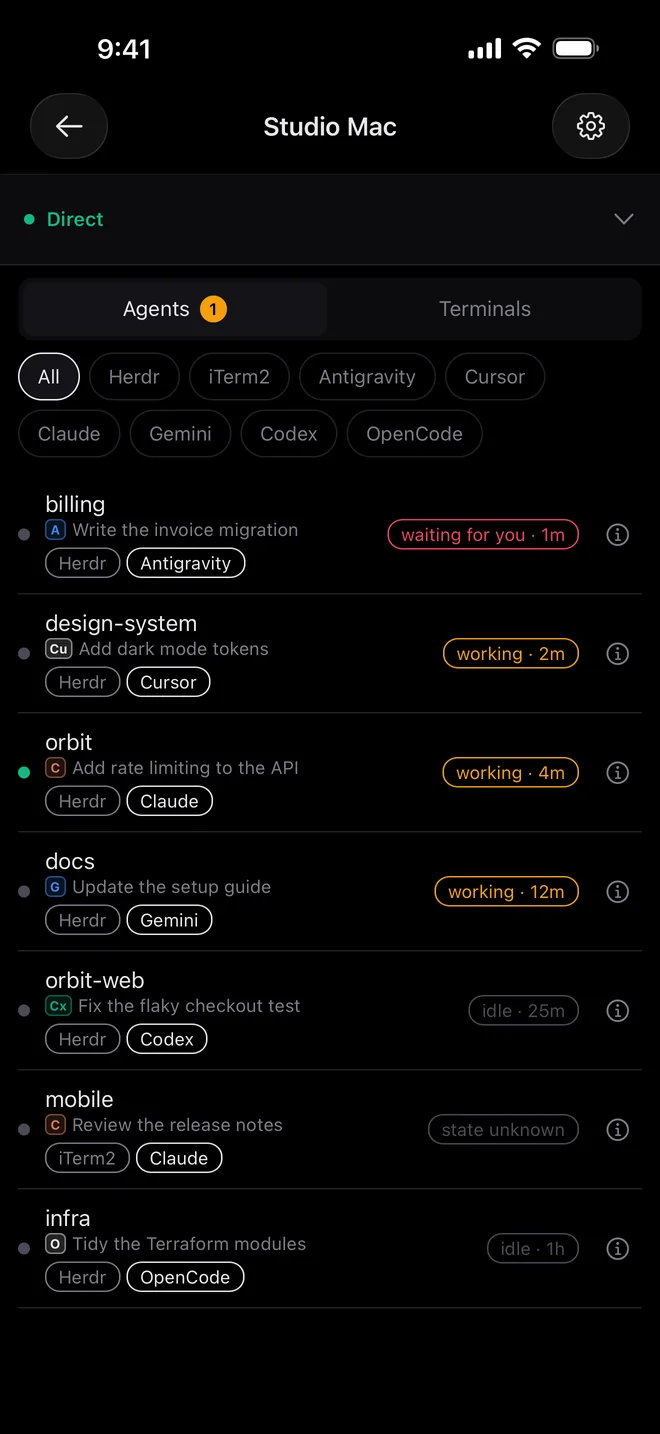
See every agent at a glance.
Each session shows which agent runs it, what it’s working on, and whether it’s busy, idle or waiting for you.
For iPhone, iPad and Android · Mac and Linux
Claude Code wants an answer. Your build just finished. Shellbell puts the terminals and coding agents running on your computer in your pocket, so you can keep them moving from anywhere.
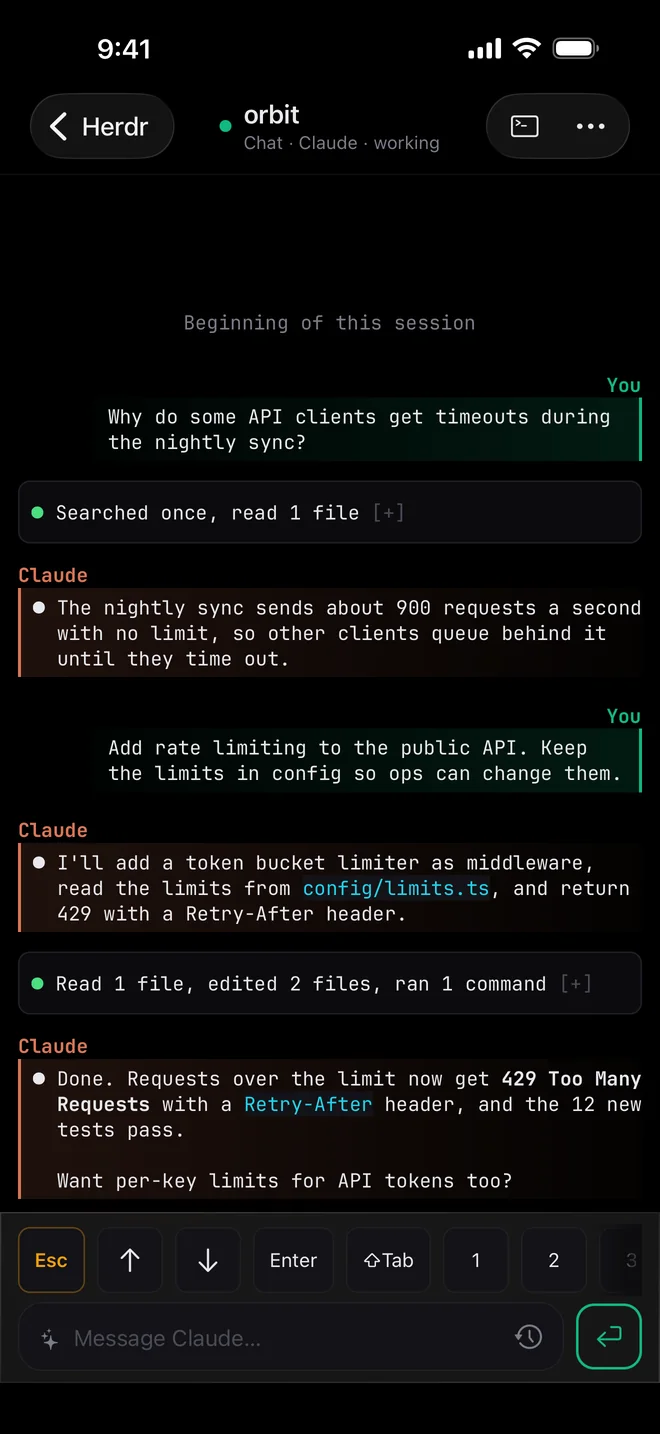
Claude Code, Codex, Gemini CLI and Antigravity read as a conversation, with their full history and a box to reply.
Cursor, OpenCode, Copilot and the rest open in their terminal, exactly as on your desk.
Your agents and shells keep running on your computer. Your phone is another way into the same sessions.
Each session shows which agent runs it, what it’s working on, and whether it’s busy, idle or waiting for you.
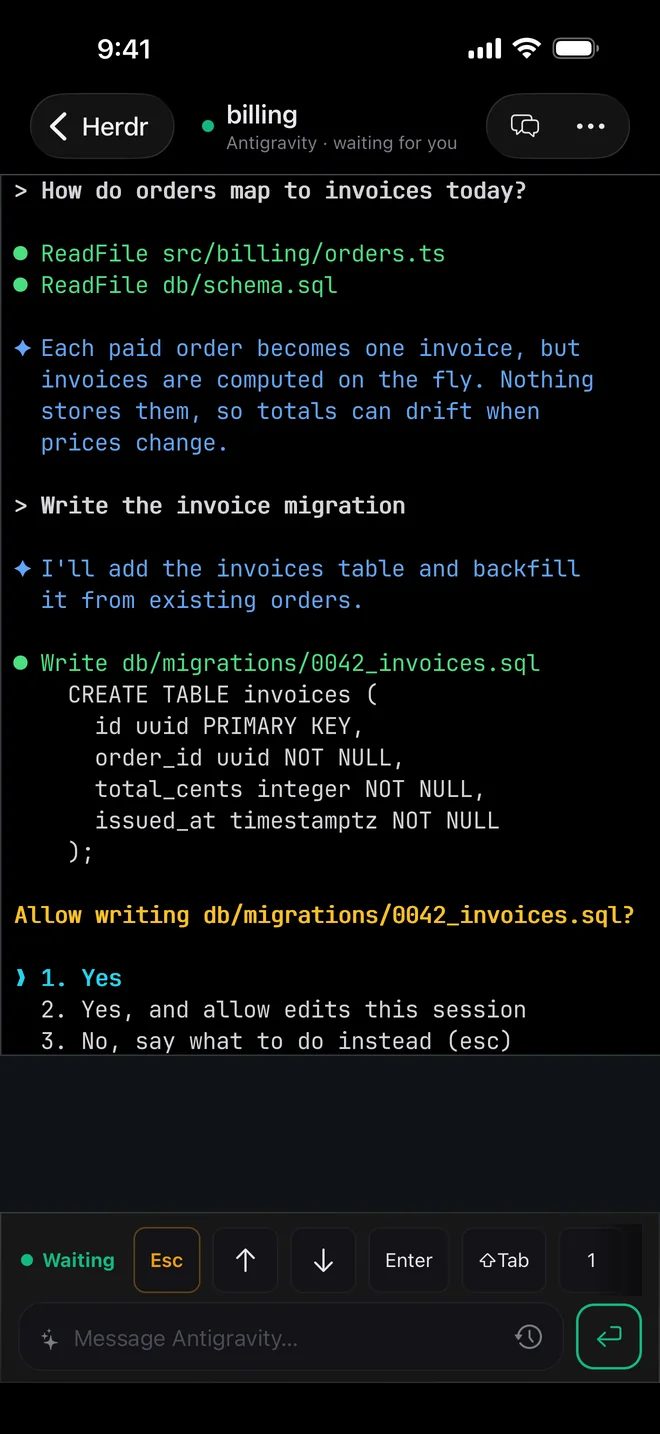
A notification takes you straight to the question. Approve, choose an option, or type a reply, and the agent carries on.
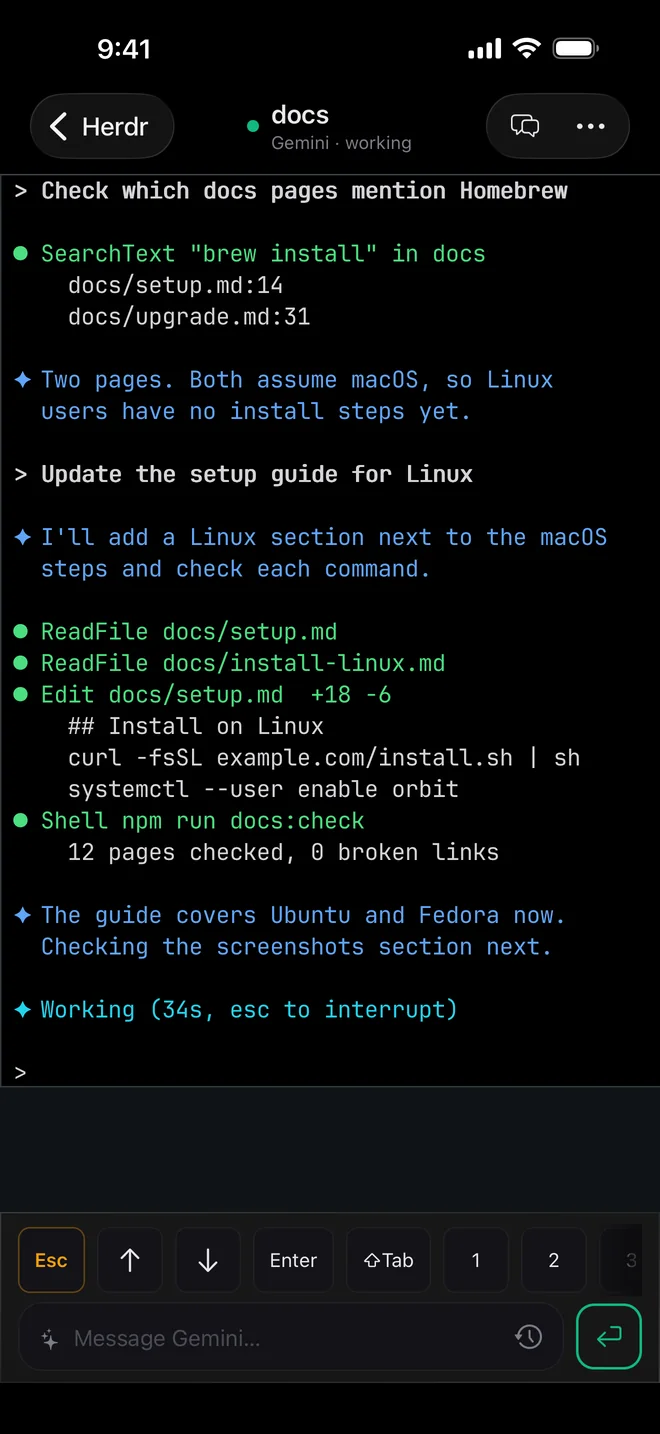
Every session is also the real terminal: run a command, scroll back, press Esc or Ctrl‑C. Nothing moves off your computer.
On your computer
Your phone can only reach a computer that’s awake. The Shellbell Mac app runs from the menu bar and handles that for you.
On Linux, or a Mac you’d rather keep app-free, one command installs the same service.
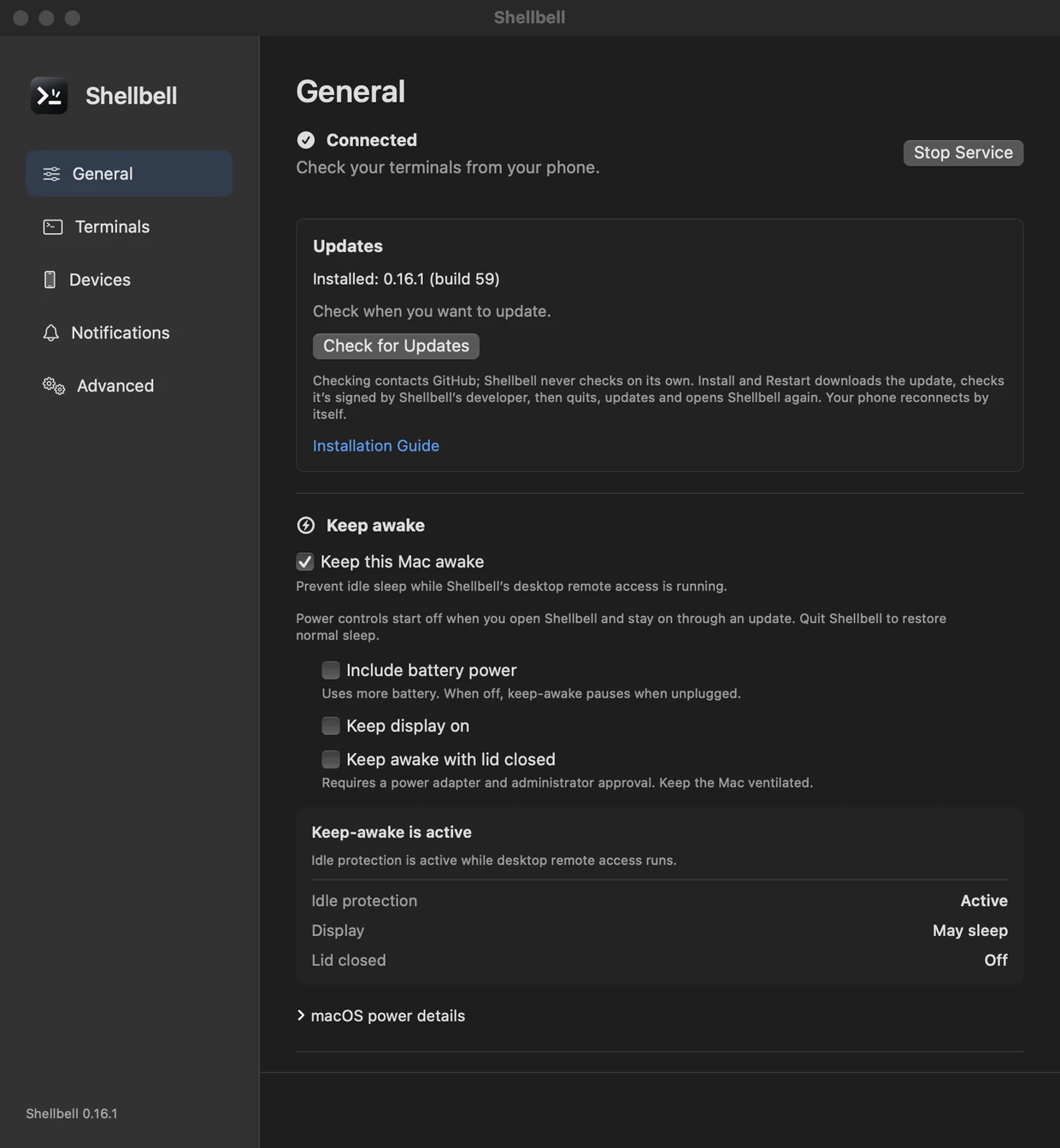
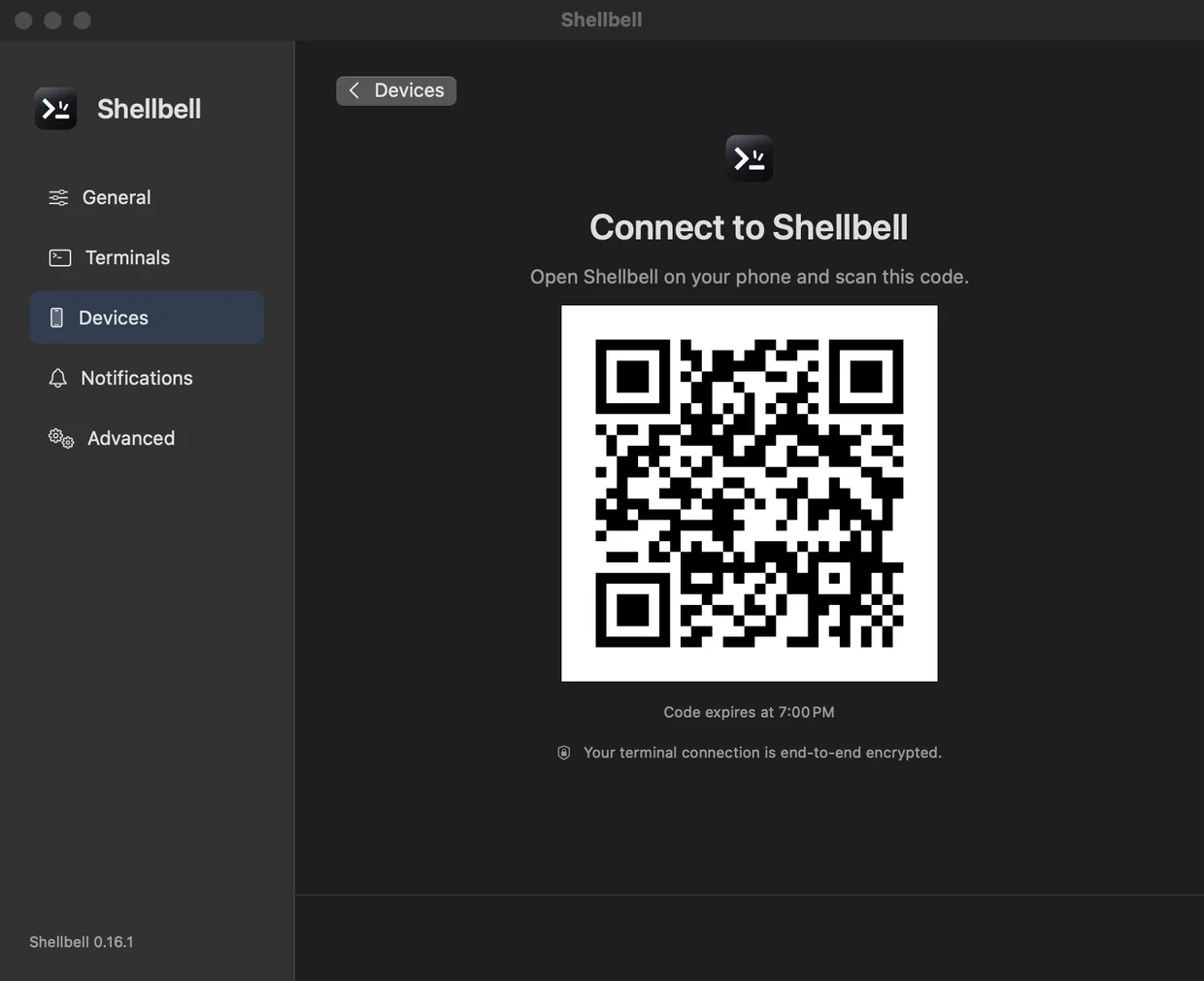
One app on your computer, one on your phone, and a QR code between them.
The Mac app, or one command on macOS and Linux. It finds the sessions you already run.
From the App Store on iPhone and iPad, or Google Play on Android.
Approve the phone on your computer. From then on it connects from anywhere.
Nobody else can read your terminal, including us.
Only your phone and your computer can read terminal content. The relay that introduces them never sees your screens, history or input.
Security and privacyBoth devices connect out, so it works from any network without port forwarding, a VPN or SSH tunnels.
How it connectsRead every line on GitHub. Use the project’s relay, or run your own under your own domain.
Self hostingFree on Mac and Linux. The phone app is on the App Store and Google Play.